
Digital Lock Not Working in Singapore? 5 Common Problems & How to Fix Them
Step-by-step digital lock troubleshooting for HDB flats, condos, and landed homes. Plus when to call a professional.
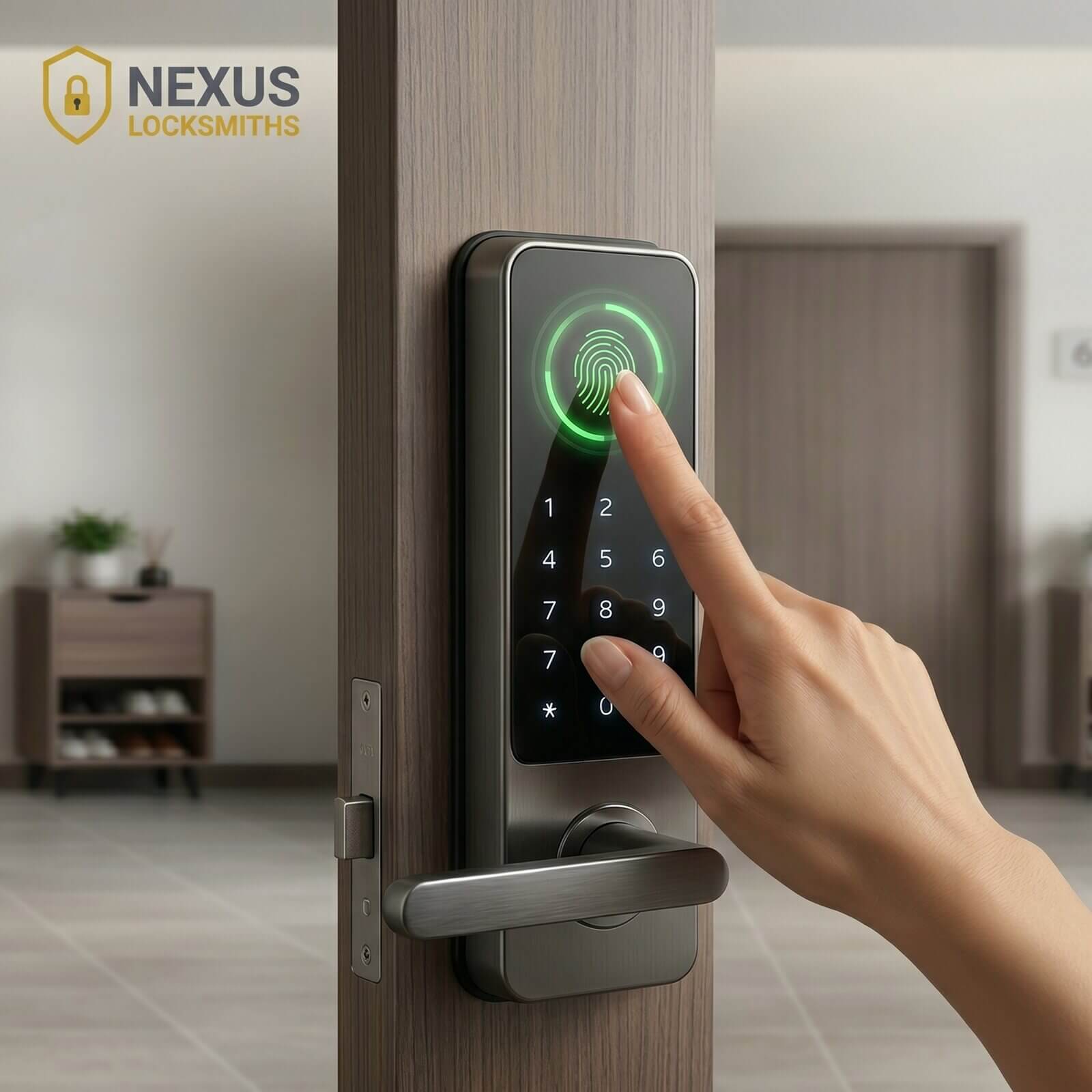
The five most common digital lock failures in Singapore are flat batteries, misaligned doors, software or connectivity issues, fingerprint sensor failures, and housing-specific problems. Whether your smart lock is not responding or your keypad is completely dark, start by replacing the batteries and testing the emergency 9V power. This fixes most cases within minutes.
Key takeaways
- Start with the batteries. Replace them and test the emergency 9V or USB power before assuming the electronics are broken.
- Check the door alignment. Most “electronic” problems are actually physical. Check the latch, strike plate, and hinges.
- Reset smart features carefully. Try a simple restart first. A factory reset erases all users and should only be used as a last resort.
- Clean and re-register fingerprints. Wipe the sensor and register fingerprints from different angles. Singapore’s humidity affects how well it reads.
- Your housing type matters. HDB, condo, and landed homes each have different door types, fire-door rules, and frame issues.
- Know when to call a professional. Internal digital lock electronic problems, fire-rated front doors, and multi-point lock systems need a registered, insured specialist.
Digital Lock Not Working in Singapore? What to Check First
When your digital lock fails, check three things right away: is the keypad lit (no light usually means flat batteries), does the handle move smoothly (stiffness means a physical problem), and does emergency 9V power bring the lock back to life. These checks fix most problems in under a minute.

Look and listen
- Is the keypad lit? No lights usually means the batteries are dead.
- Listen for motor sounds or beeps when you enter your PIN. Silence usually means no power.
- Try moving the handle. If it feels stiff or stuck, the problem is likely physical, not electronic. This is common with older doors in HDB flats, older condos, and older landed properties.
Quick power test
- Press any key or the wake button to see if the lock is just in sleep mode.
- Try the backup key (the keyhole is usually behind a panel on the front or on the underside of the lock).
- Find the emergency power point. Many locks have a 9V terminal or USB port for temporary power.
- Quick restart: remove one battery, wait 10 to 30 seconds, put it back in, and test.
If these quick fixes do not work and your digital lock is still not working, continue to the targeted checks below.
Why Is My Digital Lock Not Responding? (Battery and Power Fixes)
Dead or low batteries are the most common reason digital locks stop working in Singapore. The heat and humidity here drain batteries faster than you would expect. Replace with quality alkaline batteries, wait 10 to 30 seconds before putting the new ones in, and test. If that does not work, use emergency 9V power.
How to replace the batteries
- Check the correct battery type for your model (AA, CR123A, etc.). Go through the manual or look inside the battery compartment.
- Open the battery compartment (located on the inside panel of the lock). Note which way the batteries go in.
- Use quality alkaline batteries. Wait 10 to 30 seconds after removing the old ones before putting in new ones.
- Close the cover and test the lock.
Tip: Low-quality batteries can leak or underperform in Singapore’s heat. Use reliable brands and keep a spare set.
Emergency 9V or USB power
Find the emergency 9V terminal or USB port (usually behind a front panel or on the underside of the lock). Hold a 9V battery against the terminals, or plug in a power bank. While the power is connected, enter your code to open the lock. Then replace the main batteries straight away.
When to call a professional
- The lock still shows errors after fresh batteries and emergency power.
- The display shows unusual codes that do not go away after restarting.
- You hear grinding, loud motor noises, or the motor runs without stopping. These point to internal electronic problems.
Typical cost for a professional digital lock check in Singapore: S$70 to S$150 depending on work done and time of day.
Digital Lock Not Working? Nexus Locksmiths Can Help.
Fast, reliable digital lock repair across Singapore. We work with all major brands: Samsung, Yale, Gateman, Hafele, Igloohome, Kaadas, and more.
Could a Door Alignment Problem Be Causing My Digital Lock to Fail?
Yes. Door misalignment is the second most common cause of digital lock failure. If the latch does not connect properly with the strike plate, the lock motor strains and fails. Check the handle movement, latch position, and hinge tightness before assuming it is an electronics problem.
Signs of a physical problem
- The handle feels stiff or gets stuck when turning.
- The latch does not fully connect with the strike plate.
- The door sags, rubs on the frame, or does not close evenly.
- The backup key will not turn even when the batteries and electronics seem fine.
How to fix it
- With the door open, turn the handle and watch the latch. It should move in and out smoothly.
- Look at the strike plate for scratch marks where the latch hits. These show misalignment.
- Loosen the strike plate screws slightly, adjust so the latch lines up in the centre, tighten again, and test.
- Tighten any loose hinges or add a hinge shim if the door is sagging.
HDB tip: In HDB flats and older doors around Toa Payoh, Ang Mo Kio, and Bedok, hinge screws often work loose first. Tightening them usually fixes the alignment.
When you need a professional
- The door or frame is warped, heavily damaged, or the hinge screws are stripped.
- The lock uses a multi-point system, or the door is a fire door with rules about DIY changes.
- The lock motor or mechanism is visibly jammed or makes grinding noises.
How Do I Reset My Digital Lock or Fix Connectivity Issues?
Start with a simple restart: remove the batteries for 10 to 30 seconds. If your lock connects to Wi-Fi, make sure it uses 2.4 GHz, restart your router, and check the lock maker’s website for any service outages. Factory resets erase all saved users and should only be a last resort.
Wi-Fi and app issues
- Most Wi-Fi smart locks and digital locks only work on 2.4 GHz. They do not support 5 GHz.
- Make sure the lock is not stuck on a guest network or blocked by your router’s settings.
- Restart the router, move it closer if needed, and check for any software updates for the lock.
- Check the lock maker’s website or app for service outages. Sometimes what looks like a local problem is actually on their end.
Simple restart (try this first)
- Use the lock’s app to reboot or remove and re-add the device.
- Restart by removing the batteries for 10 to 30 seconds.
- Check the manual for any model-specific restart steps.
Factory reset (last resort only)
- A factory reset erases all saved users, logs, and connection settings.
- Steps vary by brand. Generally: remove the batteries, press and hold the reset button for 10 to 30 seconds, then put the batteries back in.
- Important: After any reset, change the default admin password and check if two-factor options are available.
Why Does My Digital Lock Fingerprint Scanner Keep Failing?
Fingerprint failures on digital locks in Singapore are usually caused by dirty sensors, moisture from humidity, or worn-down prints. Clean the sensor with a soft cloth and a small amount of isopropyl alcohol, re-register your prints from different angles, and save 2 to 3 different fingers per person as backup.
Common causes
- Dirt, oil, moisture, or worn fingerprints reduce how well the scanner reads.
- Singapore’s humidity and sweaty fingers make fingerprint scanning less reliable.
- Older sensors or software issues can also cause the lock to reject correct prints.
How to fix it
- Clean the sensor with a soft cloth and a small amount of diluted isopropyl alcohol (also known as rubbing alcohol).
- Re-register your fingerprints from multiple angles, including the centre and sides of the fingertip.
- Save 2 to 3 different fingers per person and keep a backup method (PIN or key) available.
- If cleaning and re-registering do not help, the sensor or circuit board may need a professional check.
Does My Housing Type Affect Digital Lock Repairs in Singapore?
Yes. HDB flats, condos, and landed homes in Singapore each have different door thicknesses, frame types, and rules that affect digital lock repairs. HDB grill gates change how the latch connects, condos may have fire-door restrictions, and landed homes face weather exposure that speeds up wear and tear.
- HDB: Grille gates, thin door frames, and metal frames can change how the latch works. Measure door thickness and frame offset before buying a replacement. Common in Clementi, Bukit Batok, Bukit Panjang, Bukit Timah, Holland, Farrer, Jurong, and Woodlands HDB estates.
- Condo: Fire-door rules and multi-point closures may limit what you can do yourself. Check your management’s rules and the product warranty. Common in Orchard Road, Leonie Road, Pasir Panjang, Holland Village, Bukit Timah, Hillview, and Bukit Batok condos.
- Landed: Rain and sun exposure speeds up wear. Choose weather-resistant models, add extra sealing, and check for rust or swelling in wooden frames. We regularly encounter these issues in landed estates such as Greenleaf, Holland Road, Bukit Timah, Upper Bukit Timah, and Hillview.
What If My Digital Lock’s Backup Key Will Not Turn?
If your digital lock’s backup key will not turn, do not force it. Forcing it risks snapping the key inside and turning a small problem into an expensive repair. Apply a dry lubricant (graphite or PTFE spray) and wiggle the key gently. If it stays stiff, the lock cylinder is likely worn and needs professional attention.
- Do not force the key. A broken key means an expensive cylinder replacement.
- Use a dry lubricant (graphite or PTFE spray). Avoid oil-based products that attract grit.
- Wiggle the key gently while trying the lock. If it stays stiff, the cylinder may be worn or the pins are damaged.
Stop and call a professional. Proper removal saves the cylinder and avoids further damage. Typical cost: S$60 to S$90.
How Often Should I Maintain My Digital Lock in Singapore?
In Singapore’s humid climate, replace digital lock batteries every 6 to 12 months, clean fingerprint sensors monthly, check door alignment every 6 to 12 months, and update the lock’s software when available. Book a professional check once a year for multi-door or commercial setups.
Maintenance schedule
- Replace batteries every 6 to 12 months. Keep a fresh spare set at home.
- Clean fingerprint sensors monthly. Re-register prints every few months if usage is heavy.
- Check alignment and hinges every 6 to 12 months, especially after renovations.
- Update your lock’s software when the manufacturer releases updates.
- Book a professional check once a year for multi-door or commercial setups.
When to call a professional
- Electronic errors keep coming back after basic fixes.
- The door is warped or stuck and minor adjustments do not help.
- Fire doors or multi-point lock systems are involved.
- You need a repair that keeps the warranty valid or proper documentation.
Typical cost for professional digital lock repair in Singapore: S$80 to S$250+ depending on the brand, parts needed, and time of day.
Fix It Yourself or Call a Professional. Either Way, Be Prepared.
Digital lock problems in Singapore do not have to mean expensive emergency locksmith calls or damaged doors. If your digital lock is not working, start by working through batteries, door alignment, restarts, fingerprint care, and connectivity checks. You can fix most issues in minutes.
Three things to do today
- Replace your digital lock batteries (or check how old they are) and find the emergency 9V terminal.
- Clean your fingerprint sensors and do a quick door alignment check.
- Save Nexus Locksmiths’ 24/7 number (+65 8758 2418) for when a problem needs professional help.
Nexus Locksmiths: Digital Lock Specialist in Singapore
We repair all major digital lock brands: Samsung, Yale, Gateman, Hafele, Igloohome, Kaadas, Philips, and more. Registered with the Singapore government. Insured through recognised business insurers. We try to open locks without causing damage where possible.