
Digital Lock Troubleshooting
What to Do When Your Digital Door Lock Has No Power
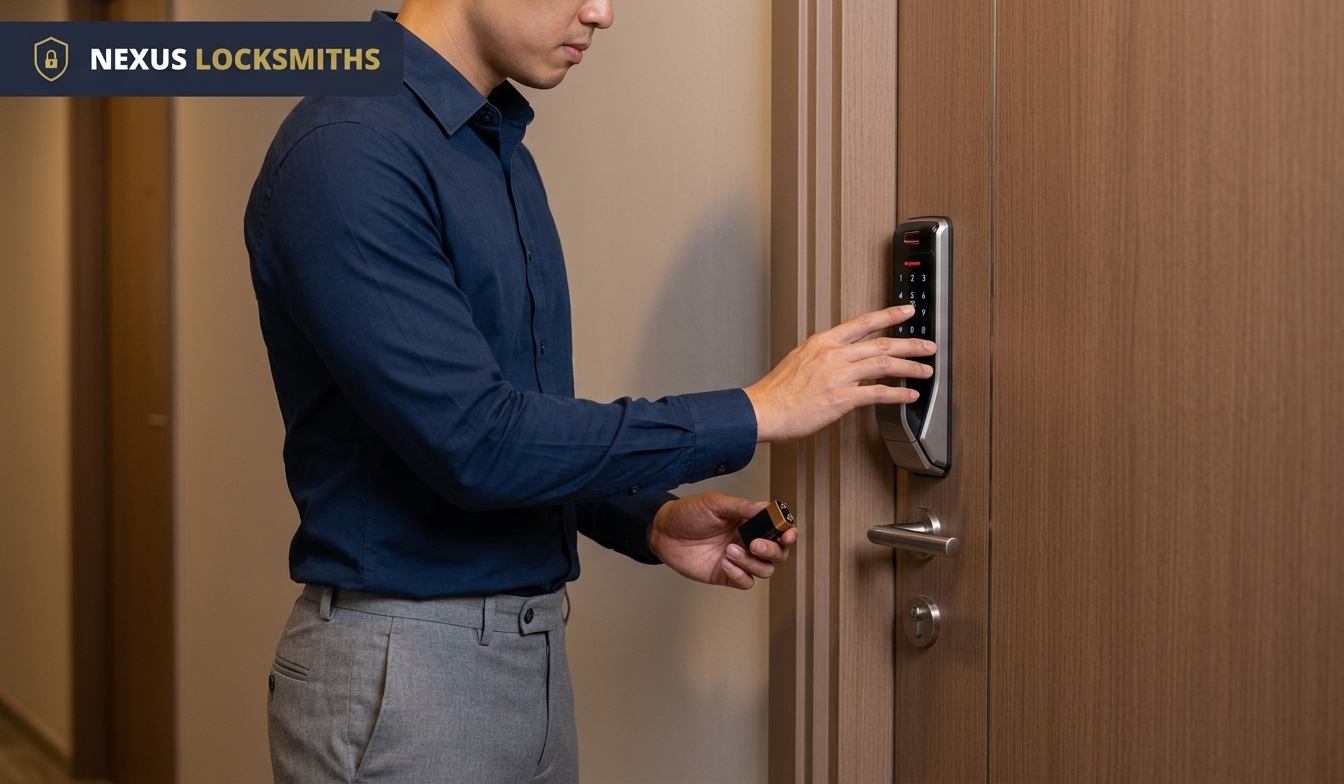
Digital locks are convenient and secure, but like any electronic device, they rely on batteries.
If your lock suddenly loses power, it can be stressful, especially if you’re locked out. Here’s a practical guide to help you manage the situation, restore access where possible, and prevent future issues.
In most cases, a digital lock with no power does not immediately mean the entire lock has failed. The problem may simply be caused by depleted batteries, although other issues such as battery contact problems, door misalignment, or internal faults can sometimes produce similar symptoms.
Step 1: Check for Emergency Access
Most digital locks come with a mechanical override key or an emergency power port (often a 9V battery terminal).
Mechanical Key
Use the backup key provided with your lock. If your digital lock includes a mechanical override, this is often the simplest way to regain entry when the electronic system has no power.
It is best to keep the backup key somewhere accessible and secure rather than inside the property where you may not be able to reach it during a lockout.
Emergency Power Port
Some digital locks include an external emergency power connection. Depending on the model, you may be able to hold a 9V battery against the terminals or use a USB power bank to temporarily power the lock. You can then enter your PIN, use your fingerprint or follow the normal unlocking method supported by the lock.
The exact emergency power method varies between digital lock models, so always refer to the manufacturer’s instructions before connecting an external power source.
Step 2: Replace the Batteries
Once inside, replace the batteries immediately. Always follow the manufacturer’s instructions for battery placement and polarity. Check that each battery is inserted correctly and that the contacts inside the battery compartment are clean and secure.
Where possible, replace the full set of batteries at the same time instead of mixing old and new batteries.
Recommended Battery Types
For reliable performance and long-term lock health, use high-quality alkaline batteries.
Batteries We Recommend
- Alkaline AA batteries
These provide consistent power and a relatively long lifespan and are widely used in electronic locks.
At Nexus Locksmiths, we recommend alkaline batteries for digital locks that are designed to use them. Different digital lock brands and models may have different battery requirements, so the manufacturer’s recommendation should always take priority.
Batteries We Do Not Advise Without Checking the Lock Specifications
- Heavy Duty / Super Heavy Duty batteries – short lifespan, prone to leakage.
- Lithium batteries – high voltage can damage lock circuits.
- Rechargeable batteries – unstable discharge curve, not suitable for locks.
Battery chemistry, voltage, and discharge characteristics can differ, which may affect how a digital lock performs.
If you are unsure which battery type is suitable for your lock, check the manufacturer’s manual or seek advice before replacing the batteries.
Step 3: Prevent Future Power Failures
A few simple habits can reduce the risk of your digital lock suddenly running out of power.
- Replace batteries every 6 to 12 months, or sooner if usage is heavy.
- Replace the batteries when the lock starts showing a low battery warning.
- Avoid mixing old and new batteries, as this causes uneven discharge and may increase the risk of leakage.
- Check for corrosion in the battery compartment and clean it carefully with a dry cloth if needed.
- Pay attention to changes in how the lock sounds or operates.
- Schedule regular servicing to ensure smooth operation and prevent sudden failures.
The ideal battery replacement interval may vary depending on the lock model, frequency of use and the features being used. For example, locks with frequent smart connectivity or high daily usage may consume battery power differently from simpler models.
What If the Digital Door Lock Still Does Not Work After Changing the Batteries?
If fresh batteries do not restore normal operation, the issue may not be caused by the batteries alone.
Check that:
- The batteries are installed in the correct direction.
- The battery contacts are clean.
- The battery compartment is free from corrosion.
- The door and frame are properly aligned.
- The keypad or fingerprint reader is responding.
- The lock motor is making its usual sound when you attempt to unlock it.
If the digital door lock remains unresponsive after these basic checks, professional inspection may be necessary.
Other Common Digital Lock Issues
A digital lock having no power is only one of several problems that can affect electronic door locks.
On average, our team deals with about two cases of digital lock issues each day. Besides a digital lock having no power, we also help customers with issues such as:
- PIN Code Malfunction
- The keypad becomes unresponsive or fails to register inputs.
- This is often caused by worn-out buttons, moisture or firmware glitches.
If certain buttons stop responding consistently, the problem may be with the keypad itself rather than the battery.
- Fingerprint Reader Errors
- The sensor fails to recognise enrolled fingerprints.
- Dirt, scratches or worn sensors can reduce accuracy. A fingerprint reader may also struggle if the sensor surface is wet or dirty.
Cleaning the sensor gently may help, but recurring recognition issues may require further inspection.
- Mechanical Misalignment
- The door and frame are not aligned properly, causing the motor to strain.
- This can lead to incomplete locking or unlocking and faster wear.
Misalignment may also make the lock appear to be an electrical problem because the motor may struggle to move the latch even when the batteries still have power.
- Connectivity Problems in Smart Locks
- WiFi, Bluetooth or Zigbee instability can affect remote access and may contribute to increased battery usage.
- Outdated firmware or interference can also cause disconnections.
If the lock itself still works locally but the mobile app or remote function does not, the problem may be related to connectivity rather than the locking mechanism.
- Internal Circuit Faults
- Continuous current leakage or damaged components may cause unexpected behaviour.
- This may result in random resets, unusually fast battery drain or the lock going completely silent.
Electrical issues inside the lock should generally be inspected rather than repeatedly addressed by changing the batteries.
When Should You Call a Locksmith?

If your digital door lock has no power and emergency access does not work, or if the lock remains unresponsive after replacing the batteries, it may be time to seek professional help.
You should also consider getting the lock inspected if:
- The batteries drain unusually quickly.
- The keypad remains unresponsive.
- The fingerprint reader repeatedly fails.
- The motor runs but the lock does not open.
- The lock frequently resets.
- The door or latch appears misaligned.
- The lock makes unusual grinding, clicking or straining sounds.
- There are signs of corrosion or moisture inside the battery compartment.
Repeated problems can sometimes indicate an underlying electrical or mechanical issue rather than a simple battery problem.
Key Takeaway
A digital lock without power doesn’t have to mean panic.
With emergency access options and the right battery choice, you can restore functionality quickly. At Nexus Locksmiths, we recommend using the battery type specified for your lock and generally recommend alkaline batteries for compatible digital locks to support reliable operation.
If the lock continues to lose power or remains unresponsive after replacing the batteries, it is worth checking for other issues such as mechanical misalignment, connectivity problems, worn components or internal electrical faults.
Frequently Asked Questions About Digital Locks With No Power
What should I do if my digital lock has no power?
Check whether the lock has a mechanical backup key or an emergency power connection. Use the appropriate emergency access method to regain entry, then replace the internal batteries according to the manufacturer’s instructions. If the lock remains unresponsive, it may need professional inspection.
Can I open a digital lock when the battery is dead?
Possibly. Many digital locks have an emergency access option such as a mechanical override key or external emergency power connection. The available method depends on the brand and model of the lock.
Can I use a 9V battery to power a dead digital lock?
Some digital locks have external terminals designed for temporary emergency power from a 9V battery. Not every model uses this system, so check the manufacturer’s instructions before attempting it.
Can I use a power bank when my digital lock has no power?
Some digital locks have a compatible USB emergency power connection that can temporarily power the lock. Whether this works depends on the lock model and its emergency power design.
What batteries should I use for a digital lock?
Use the battery type specified by the manufacturer. Nexus Locksmiths generally recommends good quality alkaline batteries for locks designed to use them. Do not assume that every battery chemistry is suitable for every digital lock.
How often should digital lock batteries be replaced?
The original Nexus Locksmiths guidance suggests replacing them every 6 to 12 months, or sooner where the lock experiences heavy use. Battery life varies by model, usage and operating conditions, so low battery warnings and manufacturer recommendations should also be followed.
Why does my digital lock keep running out of battery?
Frequent battery drain may be associated with heavy use, poor battery contact, connectivity issues, door misalignment, internal electrical problems or other faults. If fresh batteries repeatedly drain faster than expected, the lock should be inspected.
Why is my digital lock still not working after changing the batteries?
The problem may not be caused by the batteries. Possible issues include incorrect battery placement, corrosion, keypad or fingerprint reader faults, mechanical misalignment, damaged internal components or other electrical problems.
When should I call a locksmith for a digital lock?
Seek professional assistance when emergency power and fresh batteries do not restore normal operation, when the door remains locked, or when the lock repeatedly loses power, drains batteries quickly, makes unusual noises or shows signs of mechanical or electrical problems. You can contact Nexus Locksmiths for assistance with digital lock issues. We are available 24/7. For service in the early morning or late evening, please call us directly, instead of sending WhatsApp or SMS text messages.
Need Help With Your Digital Lock?
Contact Nexus Locksmiths at 87582418 via voice call or WhatsApp messaging to get a consultation on your digital lock issues or to book a service call.
We have experience working with all major digital lock brands, including Samsung, Yale, Kaadas, Igloohome, Schlage, Prism+, Hafele, Philips, and Lenovo.
A digital lock without power doesn’t have to mean panic.
Registered, insured, and available around the clock across Western, Northern, and Central Singapore.