Digital Lock Maintenance
How to Keep Your Digital Lock In Good Running Order (And What to Do When Things Go Wrong)
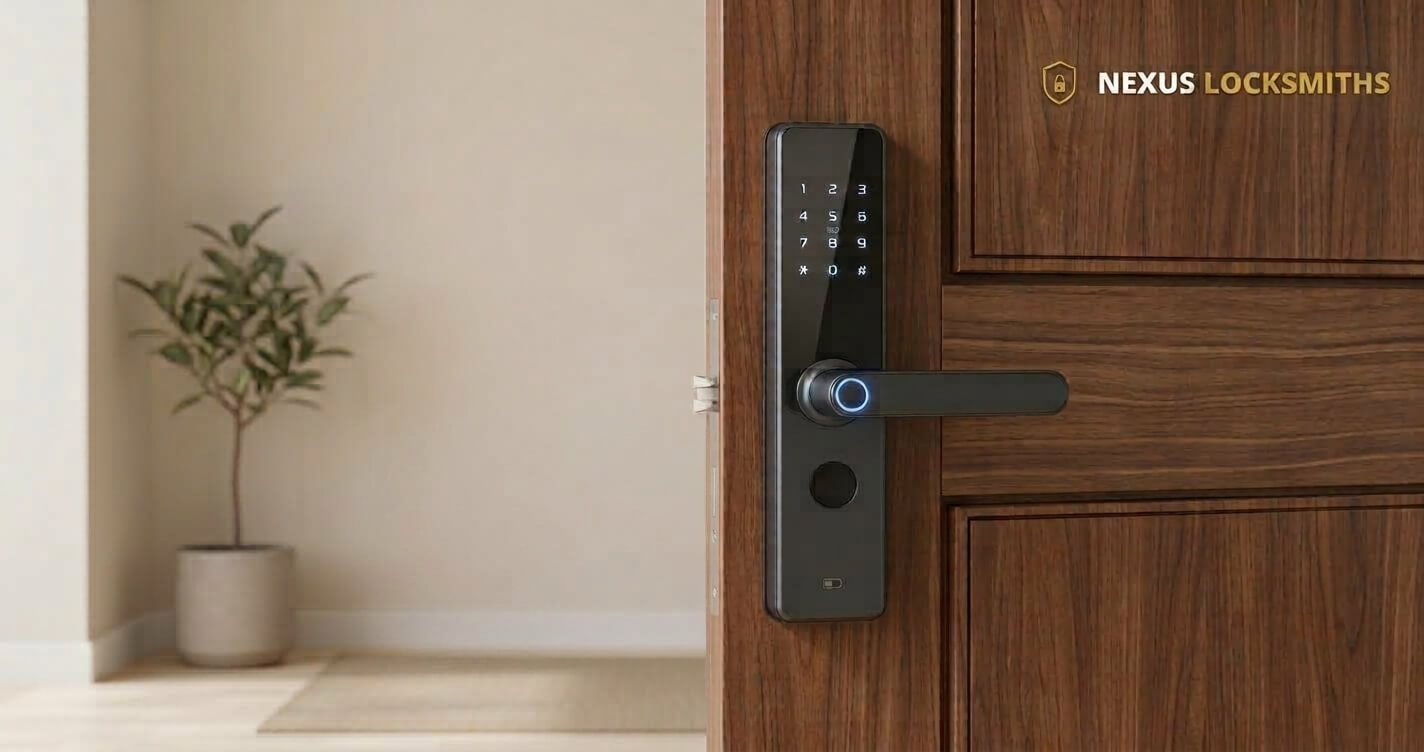
Here’s something I see all the time: digital locks that would’ve kept running fine if the basics were done right.
A digital lock is designed to be convenient. You use it every day, the door opens, and it rarely asks for your attention. That reliability is exactly why routine care is so often overlooked.
Even so, a digital lock depends on a few simple things. It runs on batteries, it comes with an emergency key for the day something goes wrong, and it will usually show signs when something is not right. Looking after these basics does not need technical knowledge, and it helps you avoid a lockout that could have been prevented.
From what we see at Nexus Locksmiths, keeping a digital lock running well doesn’t have to be difficult. A few simple things can help prevent problems, and knowing what to look out for can make it easier to deal with issues when they come up.
What Batteries Should I Use in My Digital Lock?
Use alkaline batteries: Unless your lock came with a lithium‑ion pack (like the Aqara D100), it’s running on AA batteries. Models like the Aqara A100 and Aqara U50 gate locks and the Zigbang SHP-P52 all use alkaline AAs. Don’t put in “heavy duty” or rechargeable batteries. They don’t last, and they can leak. When the lock is new, change the batteries once a year. Once it’s two years old, change them every six months. You can wait for the low battery light, but it’s not always accurate.
How Often Should I Change Digital Lock Batteries?
We recommend the following battery replacement schedule.
When the digital lock is new, change the batteries once every year. When it is two years or older, it’s a good practice to change the batteries every six months. While you can wait for the low battery indicator to appear before changing the batteries, it’s not always an accurate indicator.
For that reason, it is better to treat the low battery indicator as a backup and follow the schedule above. That way you’re not relying on a warning that may not appear when you need it.
Where Should I Keep My Digital Lock Emergency Key?
Make sure the emergency key is stored outside the house, somewhere secure, and make sure you know exactly where it is.
Keep the emergency key handy: A lot of homeowners misplace it after a while. That key is your lifeline if the software crashes or the hardware fails. Keep it outside the house, not inside, and somewhere secure. If you’re worried about losing track of it, attach it to an Apple Airtag, Google tag, or Xiaomi tag so you can find it quickly.
The reason is straightforward. Keep the emergency key outside the house at all times so that you can access it if you are locked out. A key kept inside the house can’t help you then.
What Should I Do if My Digital Lock Starts Acting Strange?

Listen to your lock: You use it every day, so you know how it normally sounds and how fast it responds. If it starts acting strange or making odd noises, don’t ignore it. It’s like hearing smoke or rattles from your car engine—small signs can turn into big problems.
Need Help With Your Digital Lock?
If something doesn’t seem right with your digital lock, get in touch with us. We deal with digital locks daily and work with the brands and distributors, so we can tell you whether it’s worth worrying about or help you sort it out. Tell us which lock you have and what you’ve noticed, and we’ll take it from there.
If you do need us to come out, you’ll get a clear quote before any work starts and an honest arrival time as a range, not a promise. We try to get in without damaging your door or your lock, and we’ll tell you upfront if that isn’t possible.
Stuck right now? Call or WhatsApp us and tell us where you are.
Frequently Asked Questions
Do digital locks need regular maintenance?
A digital lock keeps running fine when the basics are done right — batteries changed on schedule, an emergency key you can find, and attention paid if the lock starts acting strange or making odd noises.
If the digital lock starts acting out of the ordinary, such as taking longer than usual to lock/unlock, showing error codes, or needing the PIN or fingerprint entered multiple times, it’s a sign to get some help. Call Nexus Locksmiths at 8758 2418 for a digital lock service check.
Can you use rechargeable or “heavy duty” batteries in a digital lock?
No. They have insufficient power output for digital locks to work properly. Use alkaline AAs, unless your lock came with a lithium-ion pack (like the Aqara D100).
Is the low battery indicator on a digital lock accurate?
Not always. You can wait for the low battery light, but it’s not always accurate, so follow the replacement schedule instead of relying on it.
How do I avoid losing my digital lock’s emergency key?
A lot of homeowners misplace it after a while. If you’re worried about losing track of it, attach it to an Apple Airtag, Google, or Xiaomi Bluetooth tag so you can find it quickly.
Who can I ask if I’m not sure about a problem with my digital lock?
Check in with us at Nexus Locksmiths in Singapore. We deal with digital locks daily and work with the brands and distributors. Treat us as your resource for lock matters.
Stuck right now? Call or WhatsApp us and tell us where you are.
Registered, insured, and available around the clock across Western, Northern, and Central Singapore.